Small offices are a favourite target precisely because they assume they are too small to matter. The attacker is rarely a person choosing you. It is automated software trying default passwords, unpatched routers and exposed file shares across millions of addresses. The defence is not exotic. It is a short list of basics, actually completed.
Start With an Inventory
You cannot protect what you have not written down. List every device that connects to the office network: computers, phones, printers, cameras, card terminals, the router, switches and any server. For each, record the owner, the operating system, whether it still receives updates, and what data it can reach.
Update the list quarterly and whenever something is added. Most small-office incidents begin with a forgotten device: a test server under a desk, an old camera with a default login, a laptop that left with a former employee. The inventory is also the document you hand to an insurer or an IT contractor when something goes wrong.
Router and Firewall Defaults
Change the admin password on day one, and never expose the admin interface to the internet. Disable remote management unless you specifically need it, and then restrict it to a known address with multi-factor authentication. Turn off UPnP unless a device genuinely requires it, because it lets software open ports without asking.
Keep firmware current. Enable automatic updates where the vendor supports them, and check monthly where it does not. Replace equipment that no longer receives security patches, even if it still works. A router without updates is a door with a broken lock that looks fine from the street.
Separate Networks for Guests and Devices
Put guest Wi-Fi on its own network with no access to internal files or printers. Put smart devices, cameras and printers on a separate segment too, because they are the devices least likely to be patched and most likely to be compromised. Staff laptops belong on the main network, ideally with a firewall rule that limits what they can reach.
Segmentation does not require enterprise hardware. A router with a guest network and VLAN support covers most small offices, and a managed switch adds more control for under a few hundred dollars. The goal is simple: a compromised camera should not be able to reach the accounting share.
- Guest Wi-Fi isolated from internal devices and file shares
- Cameras and printers on their own VLAN or SSID
- Admin access restricted and protected with MFA
- Firmware updates enabled, with a monthly manual check
- Backups tested quarterly, not just scheduled
Passwords, MFA and Access
Use a password manager across the team, and require multi-factor authentication on email, banking, cloud storage and the router. Email is the front door to almost everything else, so protect it first. Shared logins should be eliminated or moved into a vault with an audit trail.
Give people the least access they need, and remove it the day they leave. Review accounts quarterly. A departed contractor with an active mailbox is a quiet risk that survives for years. For passphrase guidance and authentication basics, the CISA guidance is short and practical.
Security is mostly maintenance: remove old accounts, patch old boxes, and test the backup before you need it.
Backups and Updates
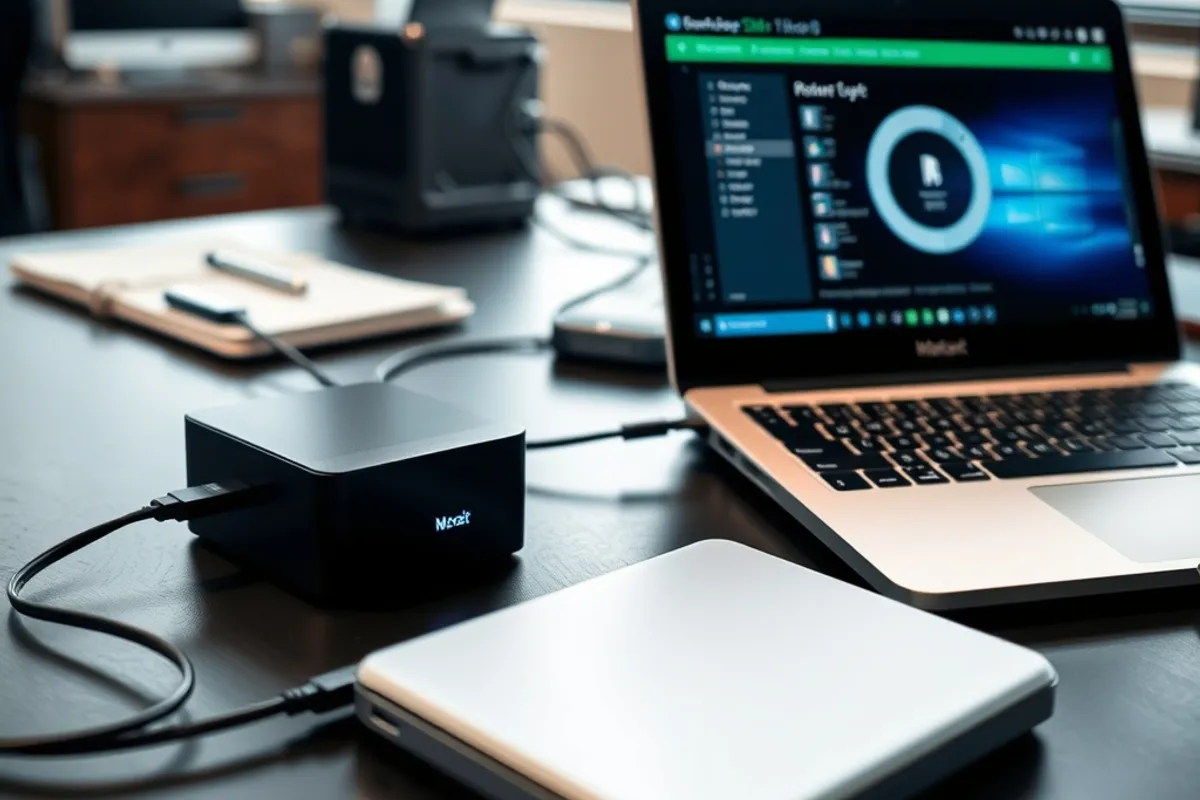
Follow the 3-2-1 rule: three copies, two media types, one off-site. Keep at least one backup offline or immutable so ransomware cannot encrypt it. Test a restore every quarter with a real file, not just a green status icon. An untested backup is a hope, not a plan.
Patch operating systems, browsers and office software automatically. Remove software nobody uses, especially remote-access tools installed during an emergency and never removed. If a device cannot be patched, isolate it on its own network segment and document why it stays.
Wi-Fi Security and Physical Access
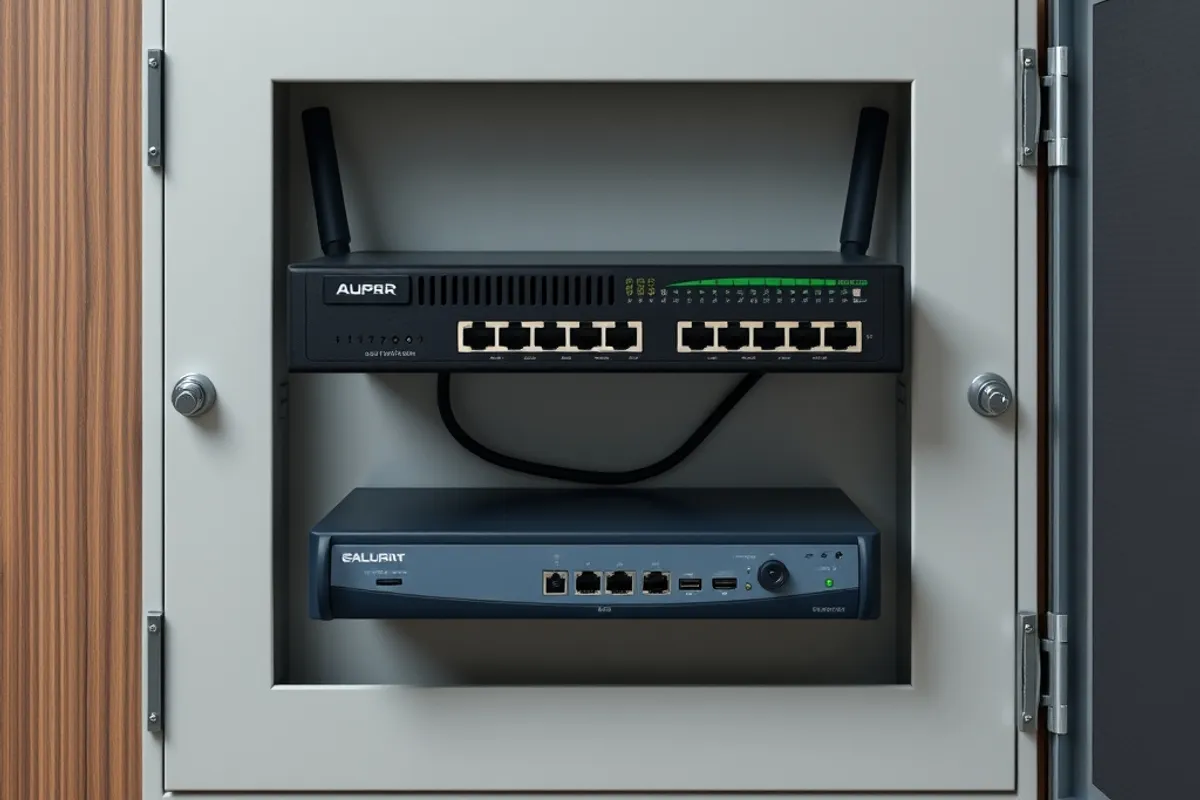
Use WPA2 or WPA3 with a strong passphrase, and rotate it when someone leaves. Hide nothing important behind an unlisted network name; that is not security. Disable WPS. Keep the router and switch in a locked room or cabinet, because physical access to a switch can undo every logical control you have.
Label ports and keep a diagram of what connects where. Visitors should never be able to plug into an internal wall port without permission. If the office shares space with another business, agree in writing who controls the network and who can change it.
A One-Page Incident Plan
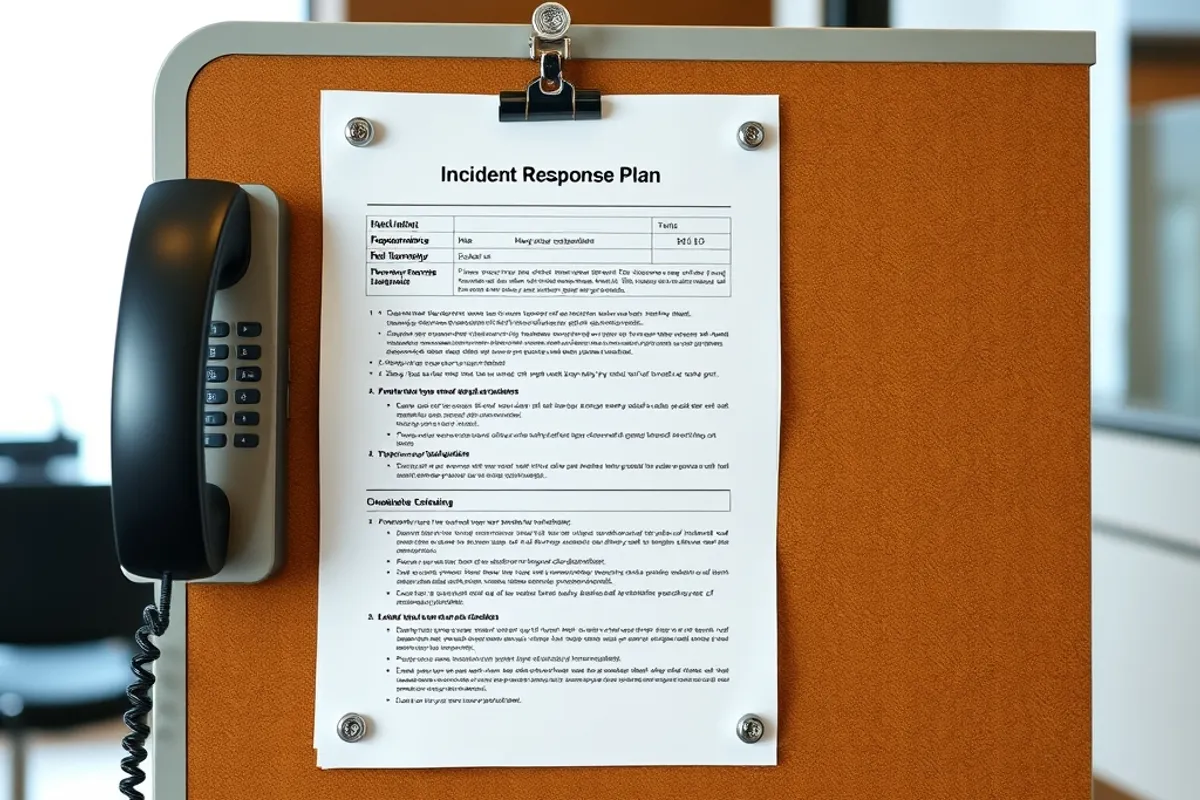
Write a single page that answers four questions: who to call, how to disconnect the network, how to restore from backup, and how to tell staff and customers. Print it and keep a copy offline. During an incident, nobody wants to search a wiki that may be encrypted.
Run a fifteen-minute drill twice a year. Simulate a lost laptop, a phishing email and a failed router. Note what was missing and fix it while the pressure is low. If you handle customer data, check your local breach-notification rules in advance. Our home network setup guide covers the physical side of the same job, and email marketing foundations explains how to keep your sending domain from becoming the weakest link.
The goal is not a perfect security posture. It is to be clearly harder to attack than the next small office, and to recover quickly if the worst happens.