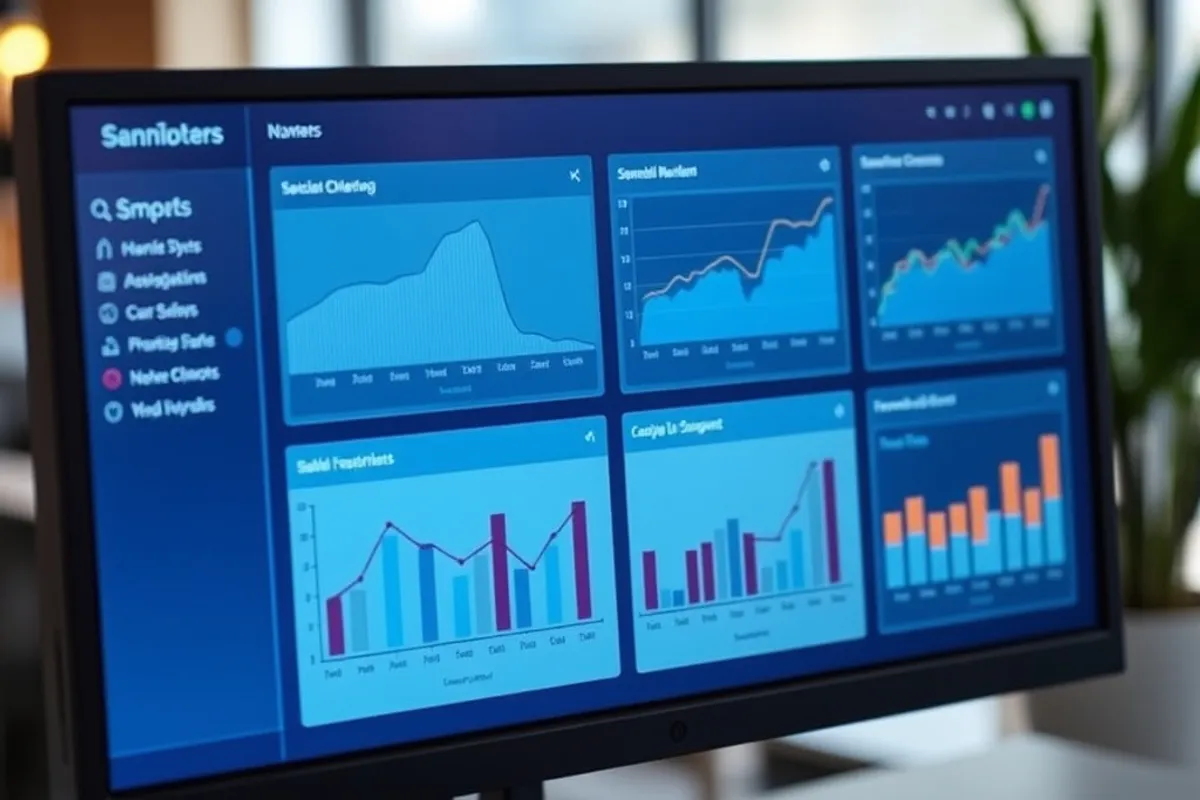
Most small businesses already own more data than they use. Orders sit in a shop platform, leads in a form inbox, ad spend in three dashboards and invoices in an accountant's folder. The problem is rarely a lack of information. It is that nobody has decided which numbers deserve attention, so every report becomes a background tab that nobody opens twice.
Start With the Questions, Not the Tools
Before you compare analytics platforms, write down the decisions you make every month. Which product should we restock? Which channel brought the last twenty customers? Where did this month's revenue actually come from? A useful analytics setup answers a short list of recurring questions, not every question imaginable.
Pick five questions for the first quarter. Write each one as a sentence with a decision attached: "If refunds exceed four percent of orders, we review the packaging supplier." A question without a decision is curiosity, and curiosity is expensive to maintain. This single exercise eliminates most of the dashboards a small team would otherwise build and abandon.
The Minimum Stack That Works in 2026
A small business needs four layers, and only one of them is usually paid. Collection covers your website, shop and forms. Storage is a spreadsheet or a small database. Transformation is where you clean and join the data. Presentation is the chart or report someone reads on Monday morning.
For most teams under ten people, a spreadsheet plus a website analytics tool is enough to start. Google Sheets, Excel and LibreOffice all handle tens of thousands of rows without complaint. A lightweight BI tool becomes worthwhile when more than three people need the same report, or when refreshes take longer than ten minutes by hand. Paying for a warehouse before you have a repeatable question is the most common wasted subscription we see.
- Website and campaign tracking: free tiers cover most small sites
- Storage and cleaning: a spreadsheet costs nothing and is easy to audit
- BI dashboard: roughly $20 to $70 per user per month in 2026
- Time budget: four to six hours to set up, one hour per week to maintain
- Rule of thumb: do not buy a tool until a manual version has run for a month
Cleaning Data Without a Data Team
Dirty data is the real reason small analytics projects fail. Duplicate customer rows, inconsistent date formats, test orders and three spellings of the same city will make any chart lie. Fix the source first: require a country dropdown instead of a free-text field, and stop accepting orders without a channel tag.
Then build one cleaning sheet with a fixed set of steps. Trim spaces, standardise dates to ISO format, remove internal and test accounts, and flag rows with missing values rather than deleting them. Keep the raw export untouched in a separate tab so you can always trace a number back. If a figure cannot be reproduced from the raw file in five minutes, it is not ready to be published.
A dashboard is only as honest as the spreadsheet underneath it. Clean the source once and every report gets cheaper.
Choosing Metrics That Change Decisions
Vanity metrics feel good and decide nothing. Page views, follower counts and total registered users rarely tell you what to do next. Prefer rates and cohorts: conversion rate by channel, repeat purchase rate after ninety days, support tickets per hundred orders, and revenue per visitor.
Every metric should have an owner and a threshold. The owner checks it, and the threshold triggers a conversation. For example, if cost per acquisition rises above a set figure for two consecutive weeks, the marketing owner reviews creative and landing pages. That is a system, not a report. Teams that adopt thresholds stop arguing about whether a number is good and start discussing what to change.
Dashboards Versus Reports
A dashboard answers "what is happening now" and should fit on one screen. A report answers "what happened and why" and is usually a short document with a chart and three sentences of interpretation. Confusing the two produces dashboards with twenty filters that nobody trusts.
Keep the dashboard to one page with six tiles at most. Put the interpretation in a weekly note: what moved, what caused it, what you will try next. The note is the part people actually read, and it takes fifteen minutes to write once the numbers are clean. If a tile has not changed a decision in two months, remove it and give the space to something that will.
Privacy, Consent and the Rules That Apply
Analytics is regulated data handling, even when the data looks anonymous. Tell visitors what you collect, keep only what you need, and set a retention period for raw exports. If you use cookie-based tracking in regions covered by consent rules, load it only after consent and document the choice.
Prefer aggregate reporting where it answers the question. Server-side counts, order records and search console data often provide the insight without tracking individuals across the web. For the regulatory baseline, read the guidance from the U.S. Federal Trade Commission and your local data protection authority. When in doubt, collect less and explain more.
A 90-Day Implementation Plan
Weeks one and two: list the five decisions, choose the metrics and assign owners. Weeks three and four: fix the collection points and build the raw export. Weeks five to eight: create the cleaning sheet, then the one-page dashboard. Weeks nine to twelve: run the weekly note, review which tiles were used, and delete the rest.
Do not skip the review month. It is where you discover that a beautifully built report answers a question nobody asks. If you want the presentation layer to survive contact with real users, read our guide to building a reporting dashboard people actually open. And if your data lives in a custom app, the habits in clean code habits that save your team time apply to analytics code too.
At the end of ninety days you should have fewer tools, one trusted table and a Monday routine. That is a better outcome than a warehouse full of events nobody queries.